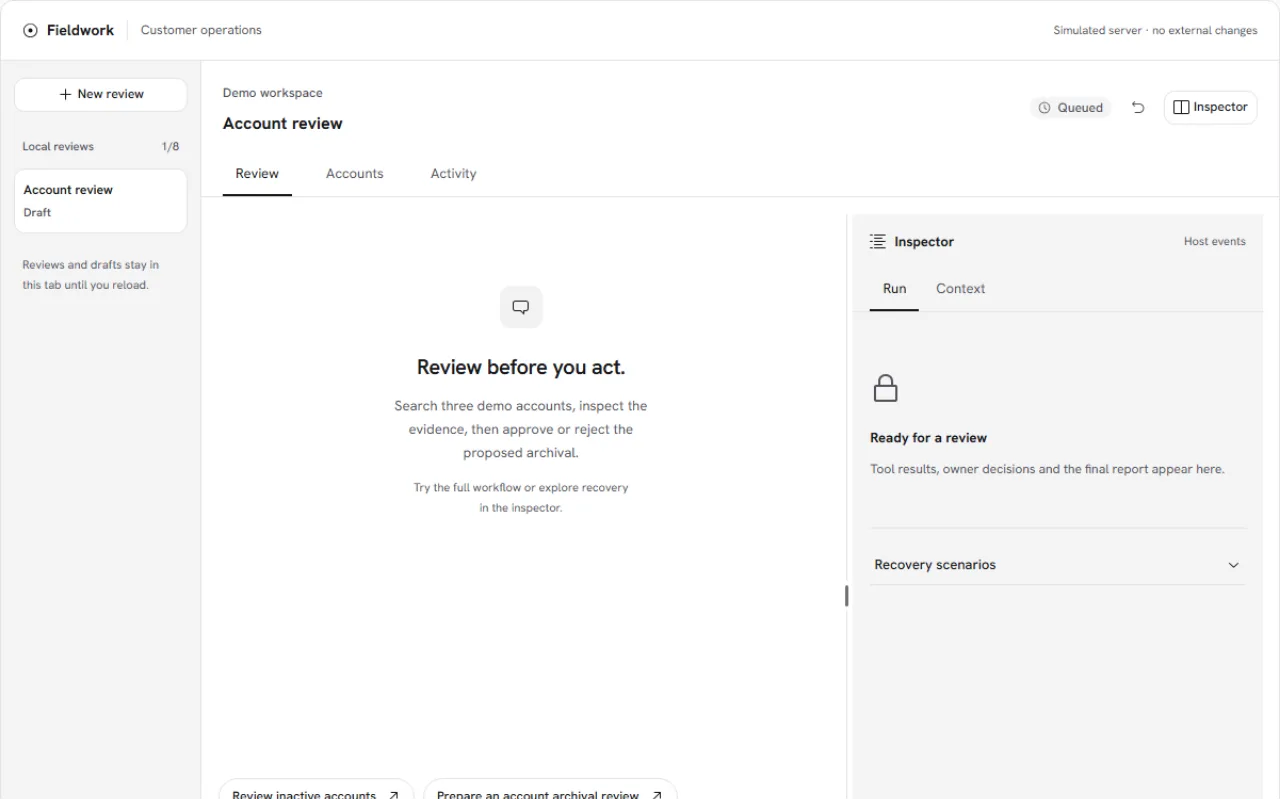
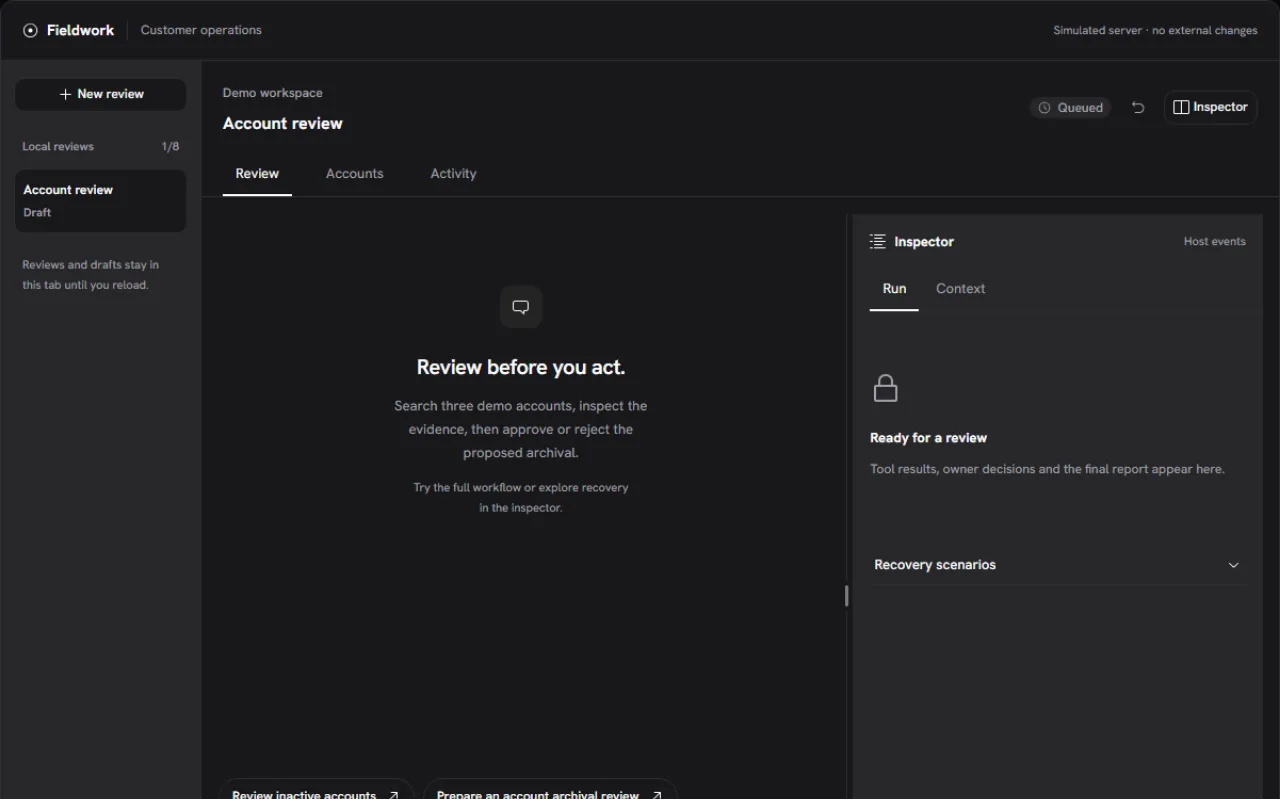
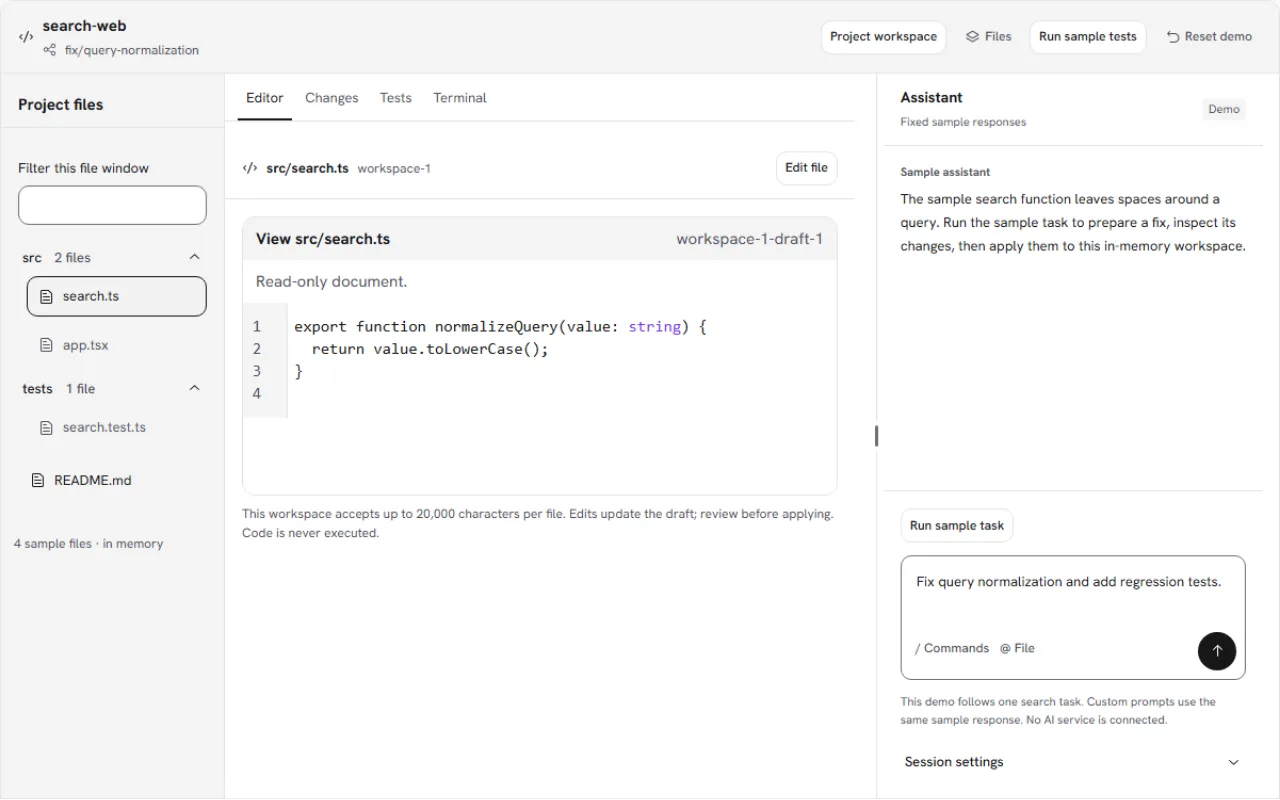
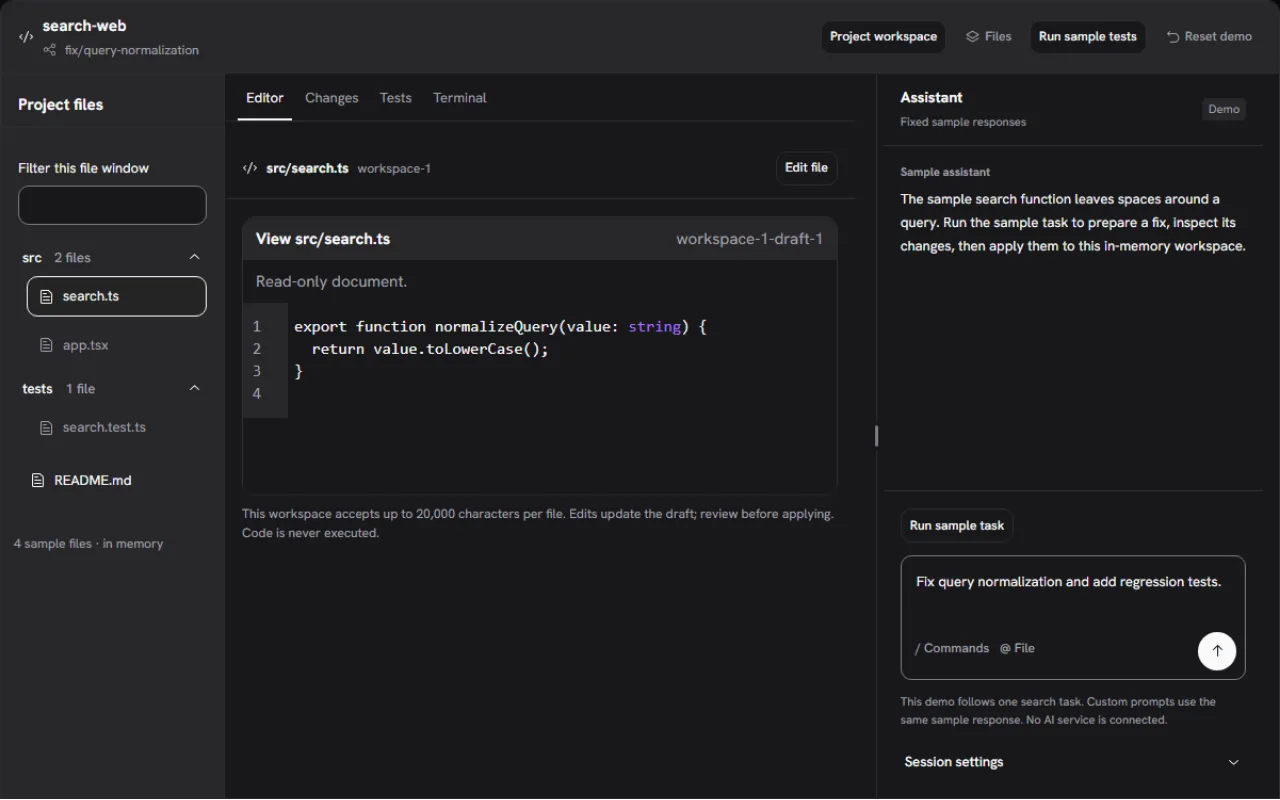
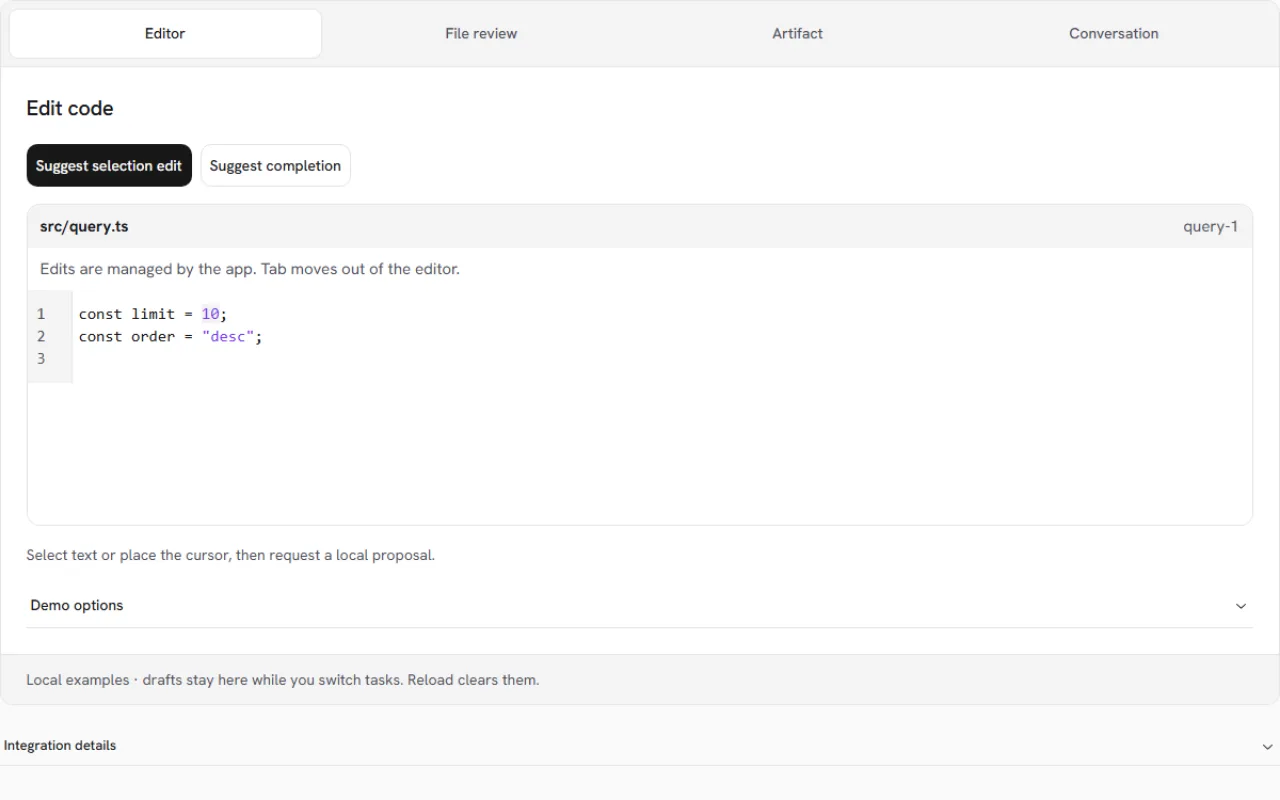
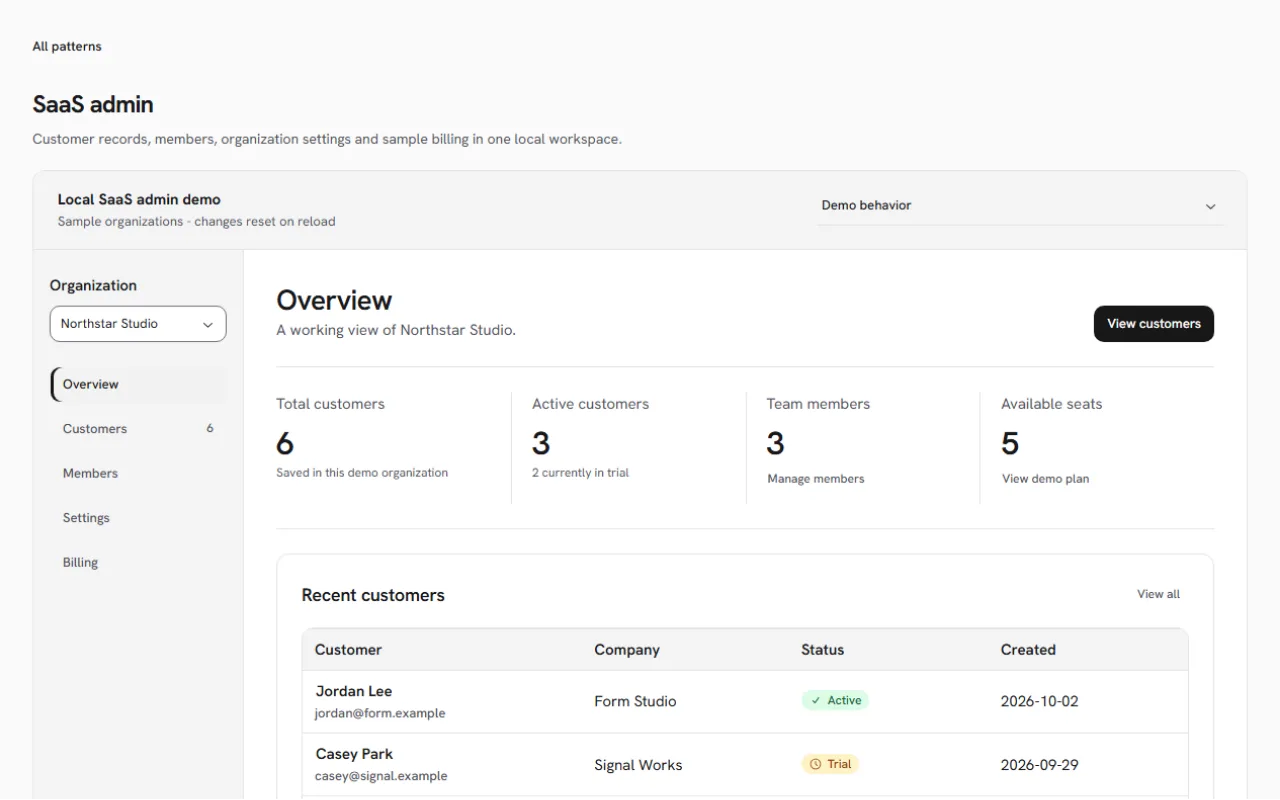
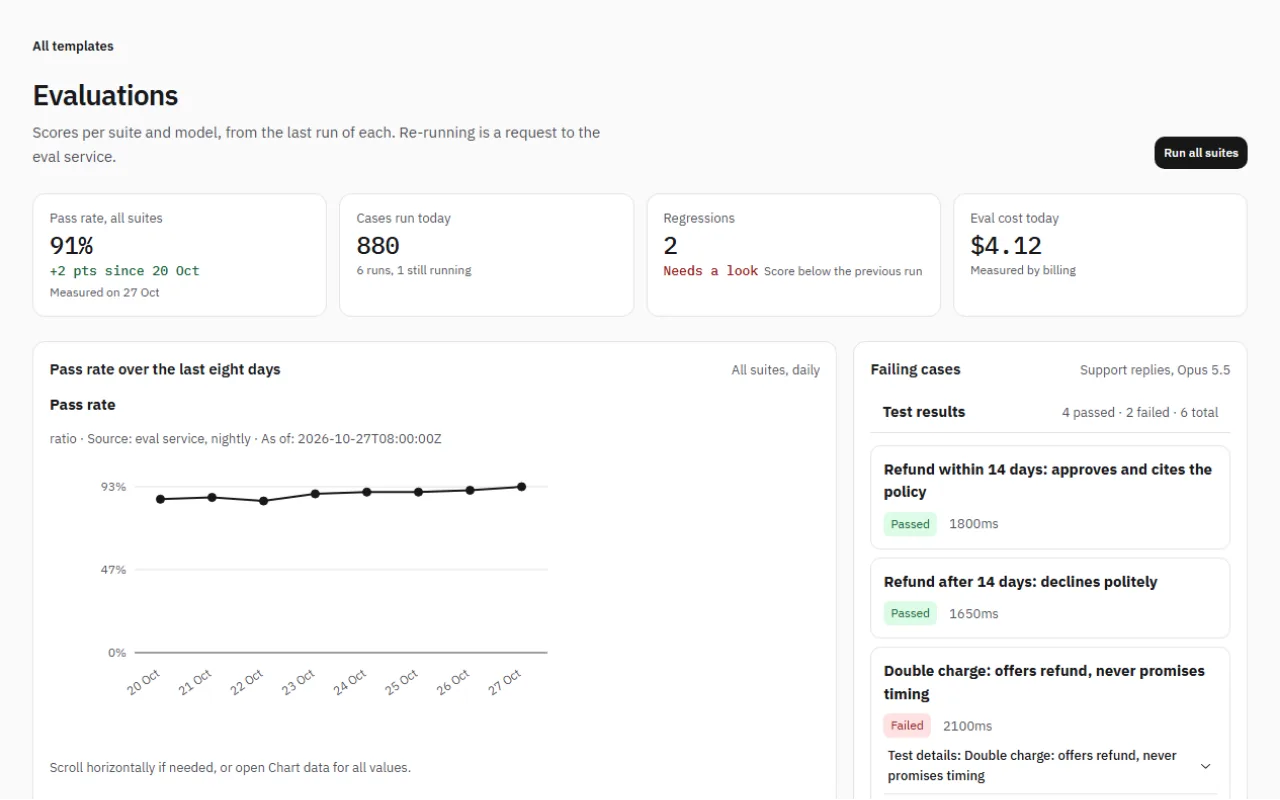
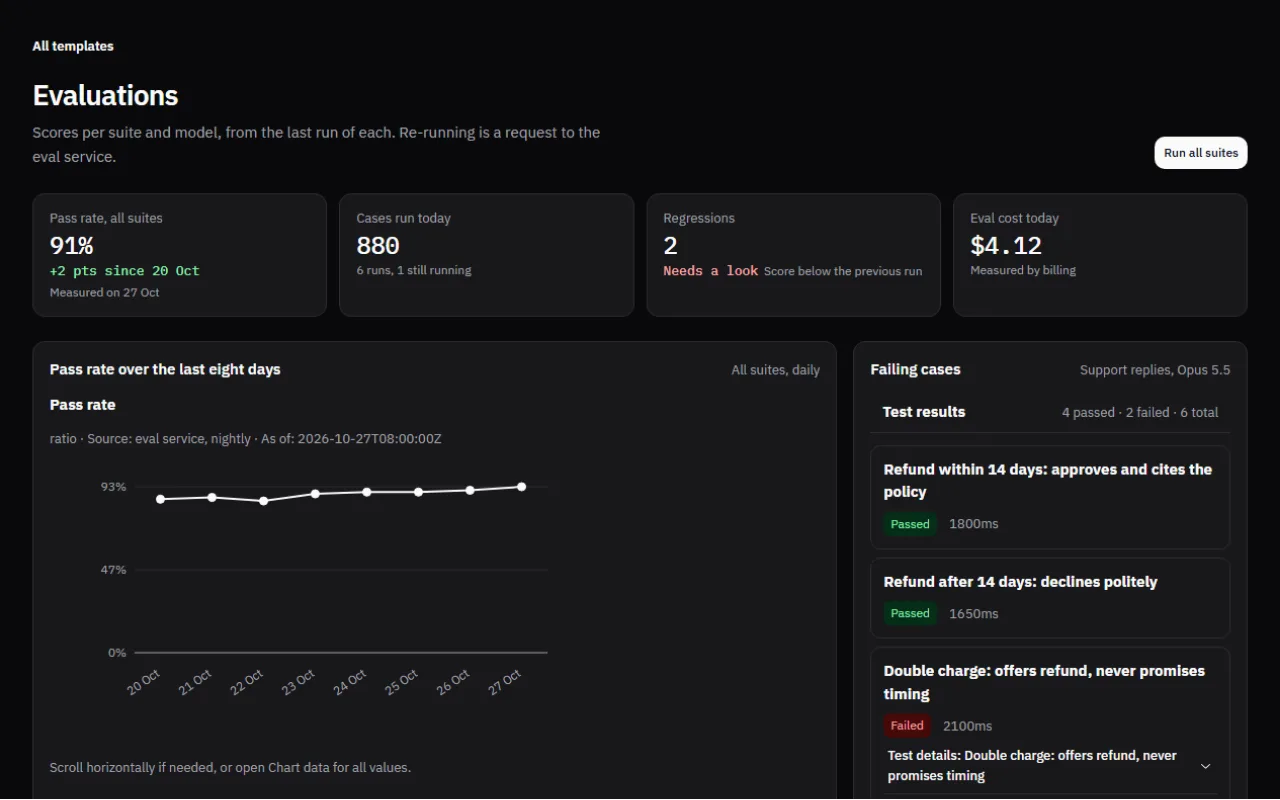
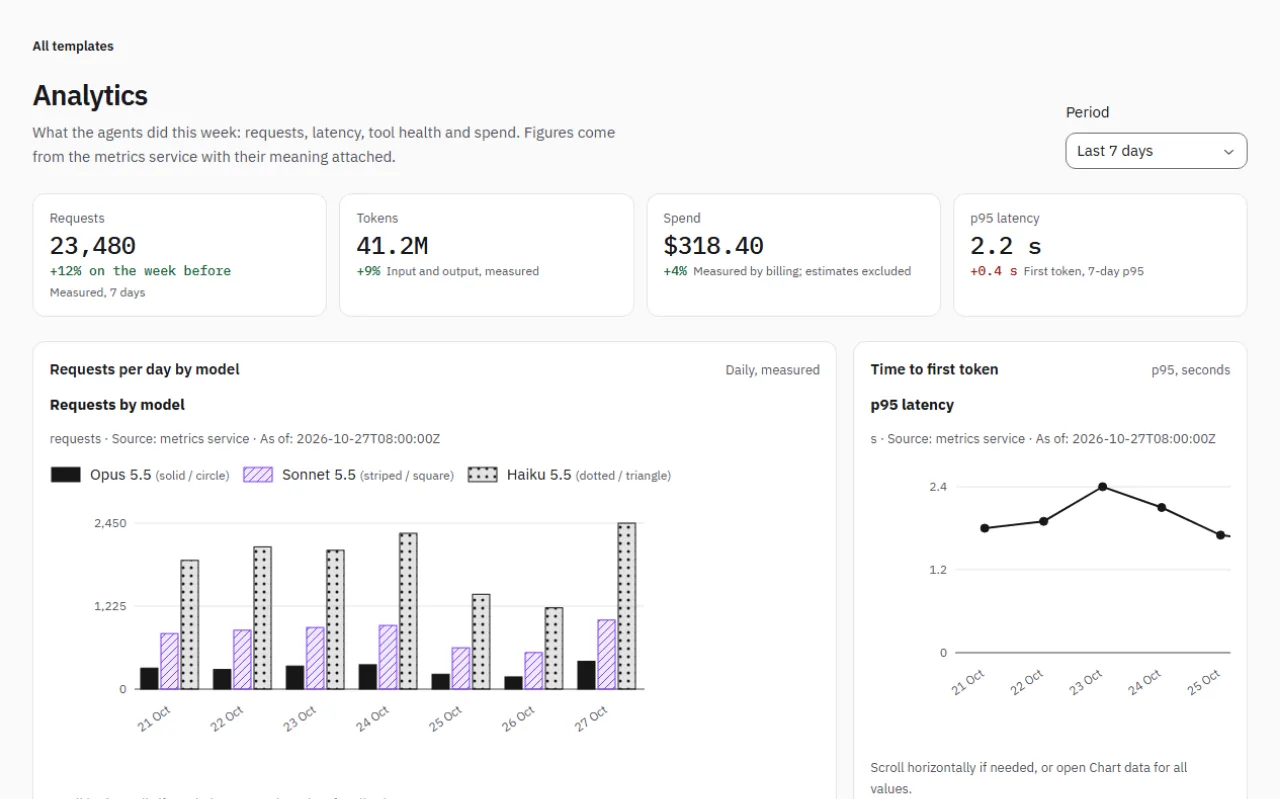
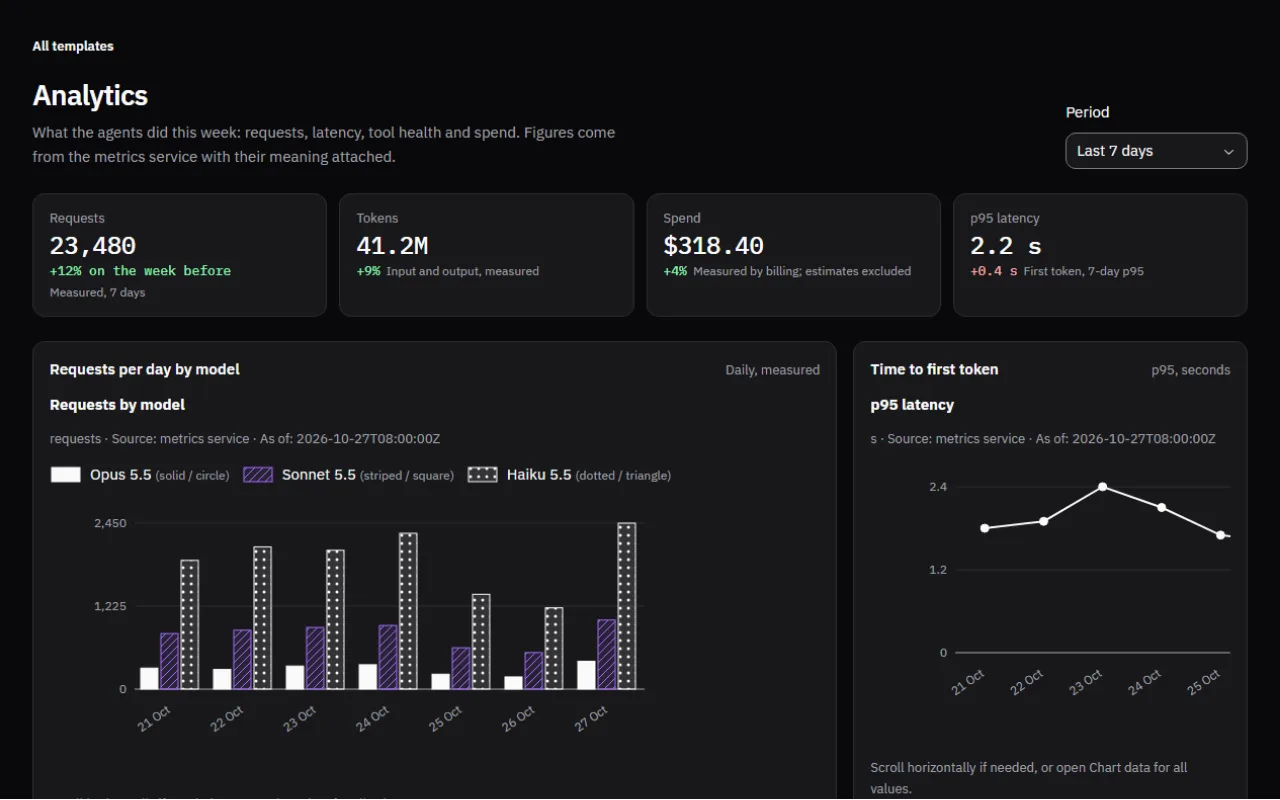
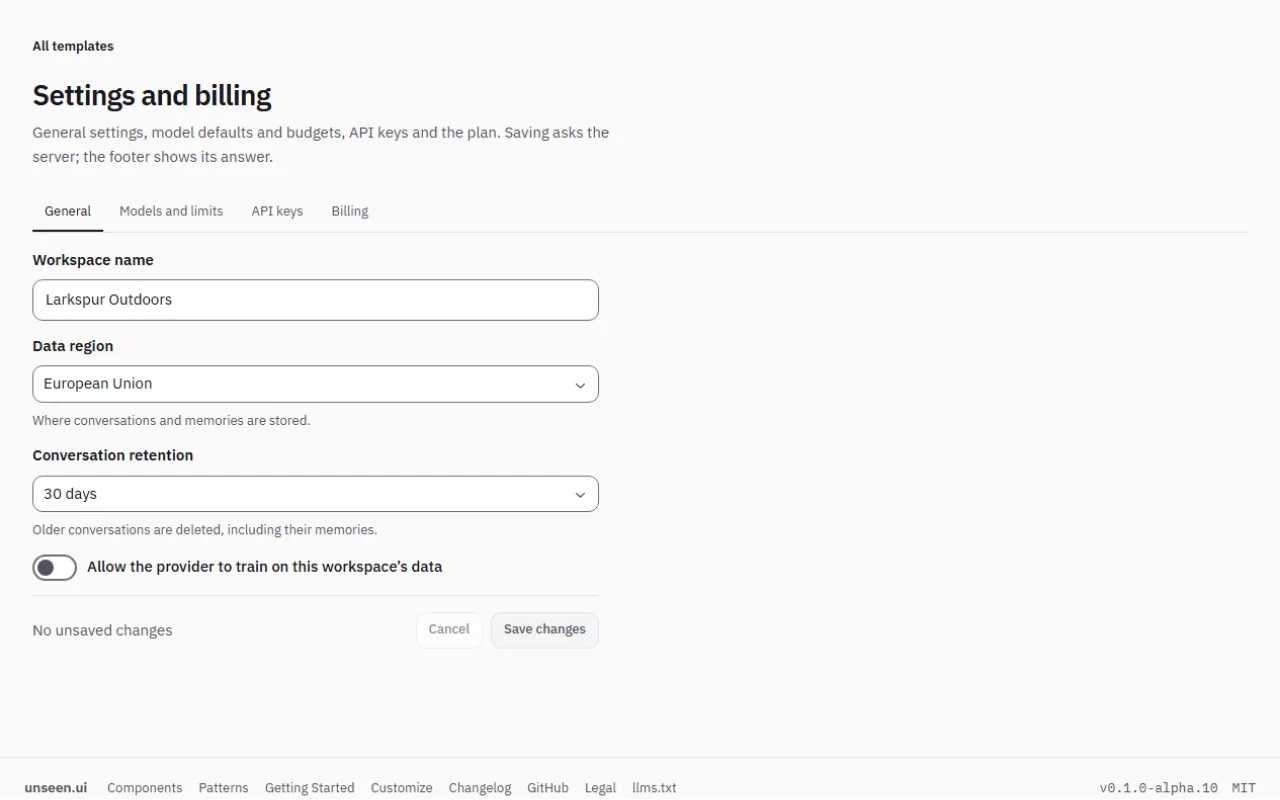
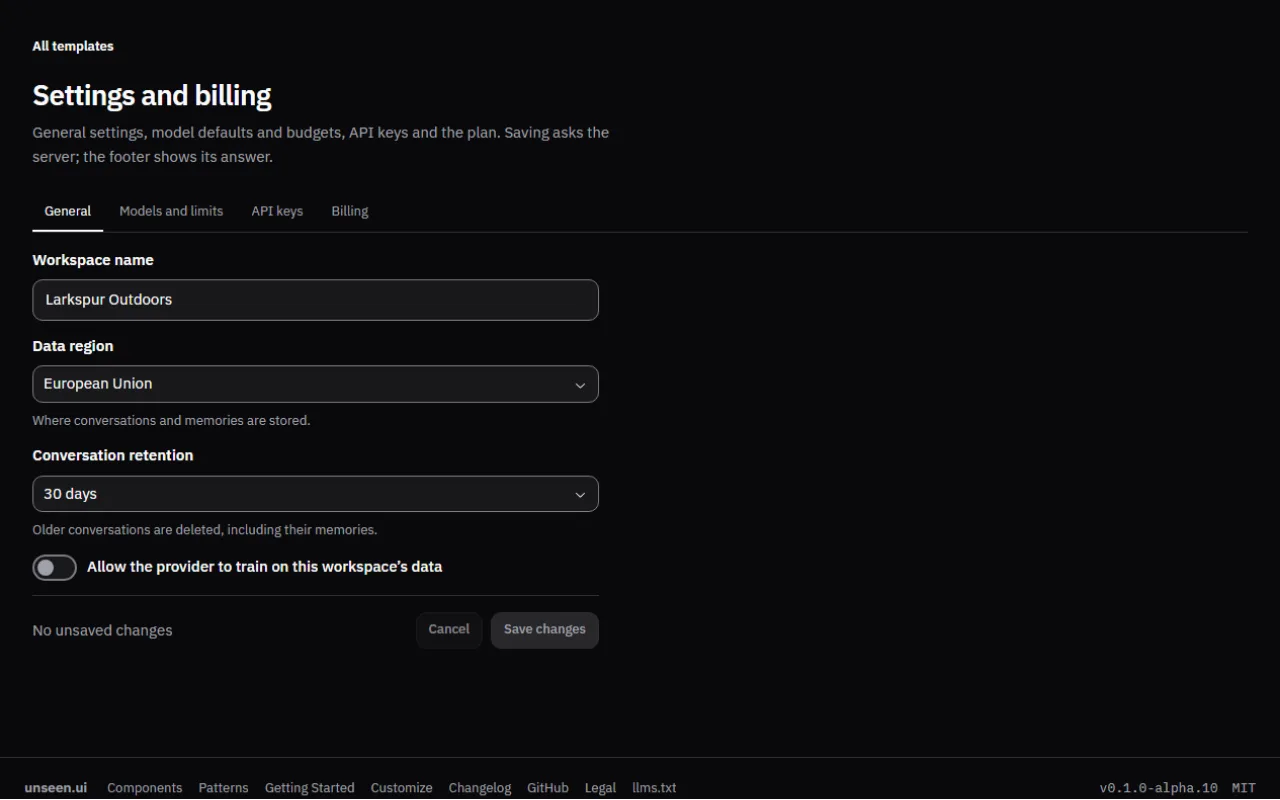
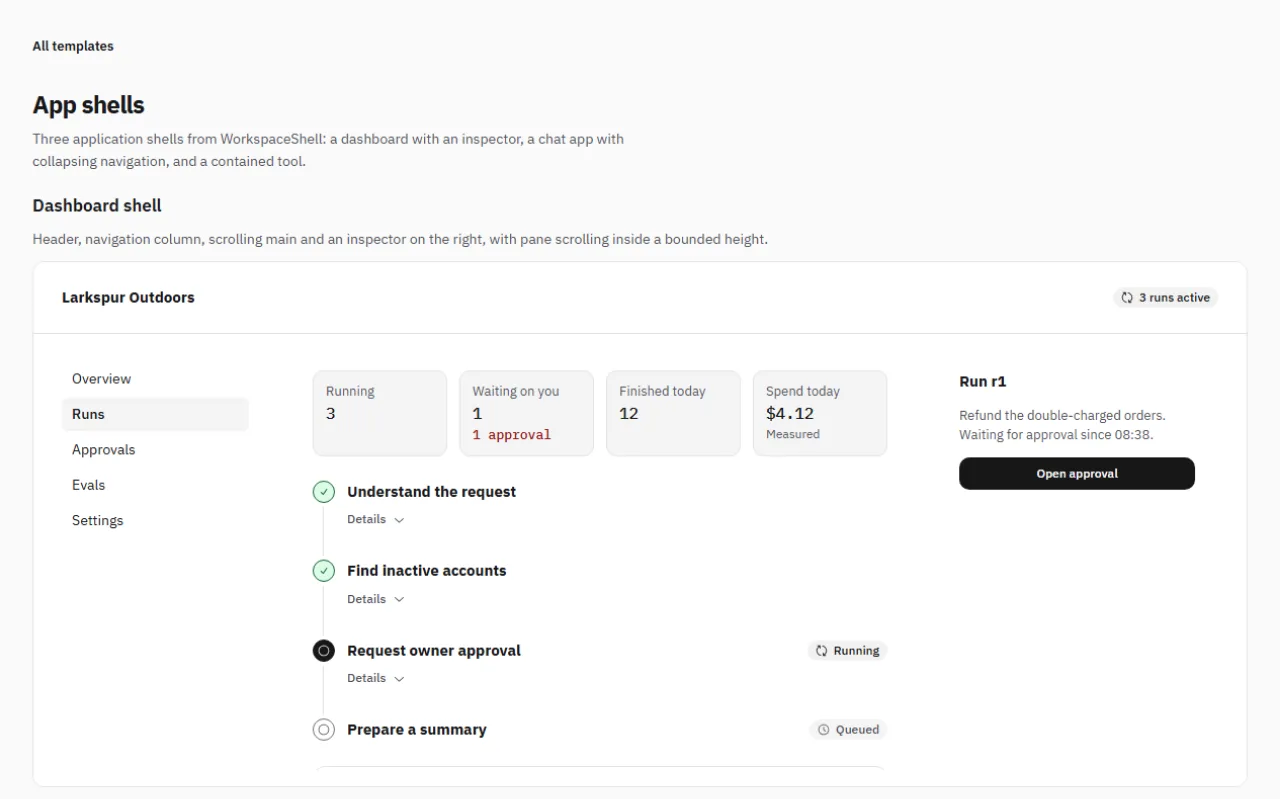
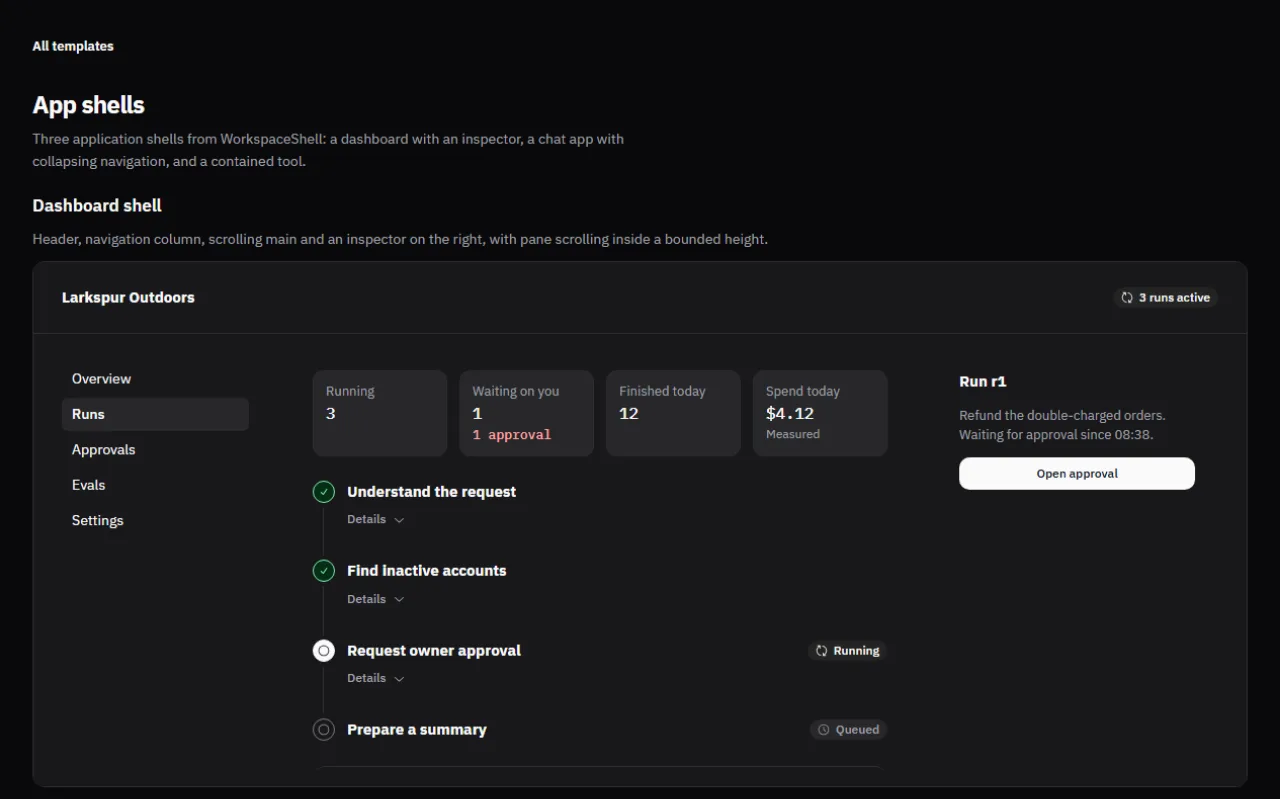
162 components for chat, tool calls, approvals, agent runs, sources and dashboards, plus 10 whole applications. A click only sends a request; the screen shows done when your server says so.
Keep the AI SDK's useChat and your server route, or start with a local stand-in and swap in your server later. Tool calls, approvals and sources come along.
1'use client';
2import { useChat } from '@ai-sdk/react';
3import { DefaultChatTransport } from 'ai';
4import { Chat, useAiSdkChat } from '@stackunseen/ui/chat';
5import '@stackunseen/ui/styles.css';
6import '@stackunseen/ui/chat.css';
78export function Assistant() {
9 const chat = useChat({
10 transport: new DefaultChatTransport({ api: '/api/chat' }),
11 });
12 return <Chat {...useAiSdkChat(chat)} title="Assistant" />;
13}
Built for coding agents, not just for copying.
Connect the MCP endpoint once and your agent searches the catalog and reads any component page with every prop. Or press Copy prompt on a page and paste it into Claude, Cursor, ChatGPT or v0.
The endpoint serves the same files as the site, so the agent never reads a stale page. No key, no account.
sh
1claude mcp add --transport http unseen-ui https://unseenui.com/api/mcp
23# Then, in a session:
4# "Add an approval card to the assistant page using Unseen UI."
Your server stays in chargeWhen the AI asks to do something, the approval card waits for your server's answer. A click alone never marks an action as done.See ApprovalCard
Screens that tell the truthIf a request times out or a number is only an estimate, the screen says so, instead of showing a success or a failure that never happened.See UsageMeter
One install, your themeOne npm package with its own stylesheet, for any React 19 app. No Tailwind needed, and you get fixes by updating a version, not by copying files again.Read the setup guide
Ready for your coding agentAdd the MCP endpoint to Claude Code or Cursor, press Copy prompt on any component page, or point any tool at llms.txt and the Markdown page per component.Set up your agent
Checked 28 October 2026: 2,298 tests pass, and automated accessibility checks (axe) find no violations on the pages we audit.
Questions people ask first
Do I need Tailwind?
No. The package ships its own stylesheet; import it once and every component is styled. Colours, radius and spacing come from CSS variables, so a Tailwind project can keep its setup and a plain CSS project needs nothing extra. See Theme Studio for the token list.
What does it cost?
Nothing. Every component, pattern and template is MIT licensed, including the agent and approval pieces. There is no paid tier. The licence page has the full text.
What does “your server stays in charge” mean?
A component shows the state your server reports and calls back when a person acts. An approval click sends a decision bound to the action version; the card shows “approved” only once your server acknowledges it. Nothing is marked done, sent or executed by the click alone, and when the answer is unknown the screen says so.
Which backends does it work with?
Any. The Chat component plugs into the Vercel AI SDK through one adapter, and every other component takes plain values and callbacks, so a custom API, a queue or a stand-in host works the same way. Connect to your app shows the three shapes.
Is it accessible?
Keyboard and screen-reader behaviour is documented on each component page, overlays trap and return focus, live regions announce streaming and status changes, and reduced-motion preferences are respected. Automated axe checks run on the audited pages; the evidence line above states the last result.
Can my coding agent use it?
Yes. llms.txt and llms-full.txt index the site, every component page has a Markdown version and a “Copy prompt” button, the package ships a component manifest, and the MCP endpoint serves the same pages to an editor that supports it.
How stable is the API?
It is an experimental alpha. Pin exact versions, read the changelog before upgrading, and expect renamed props between prereleases. Component contracts in the core package change less often than their visual details.