Live examples
Assistant
The components
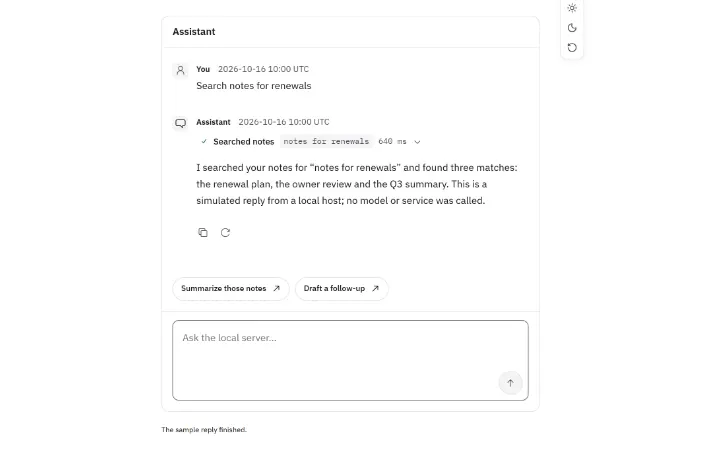
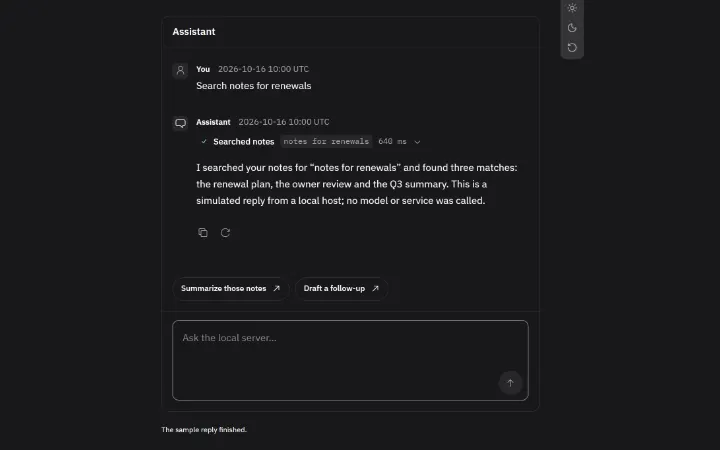
- ChatA complete chat: messages, streaming replies, tool cards, suggestions, stop, retry and the composer. Connect it to your server or drive it with props.
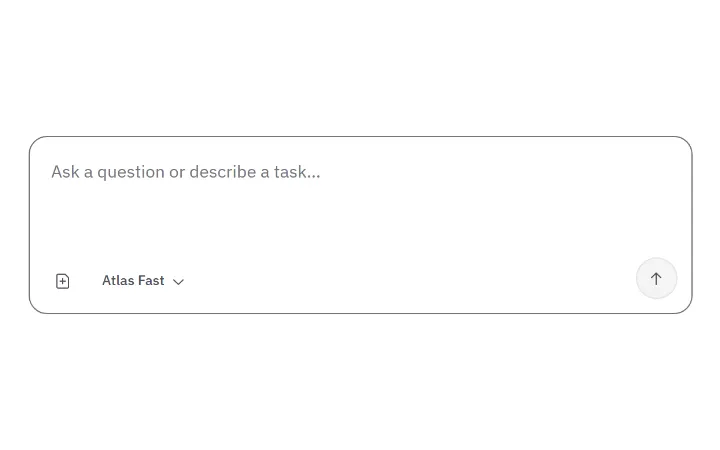
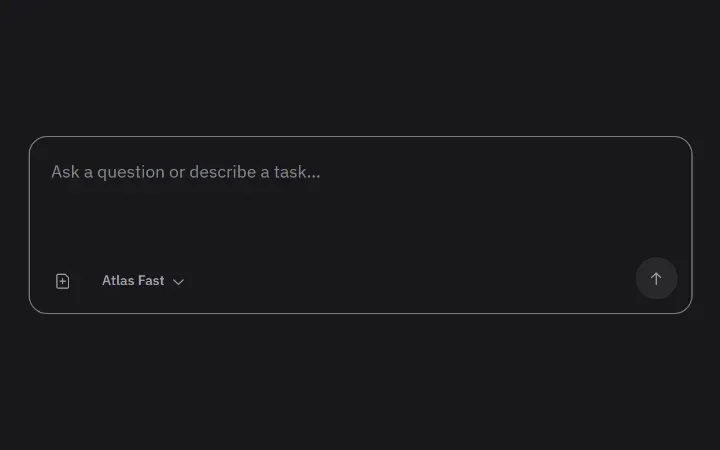
- PromptInputThe composer for sending a prompt, with attachments, a toolbar and a way to stop.
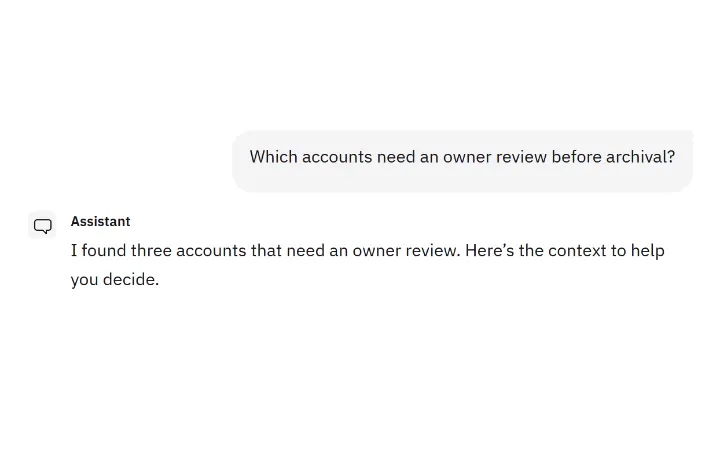
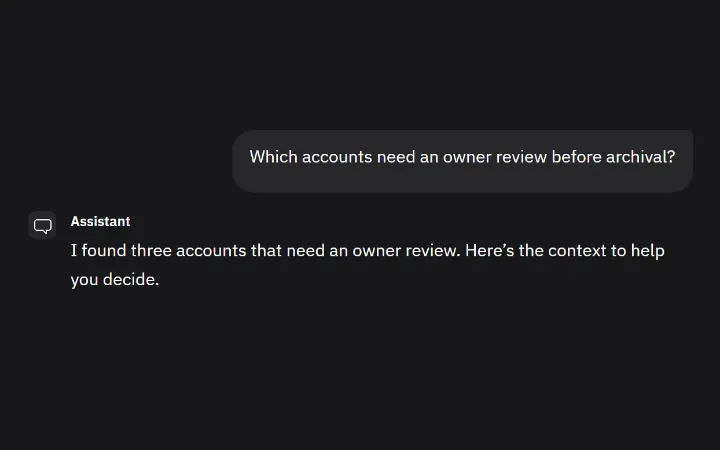
- MessageOne user, assistant or system message with its parts and references.
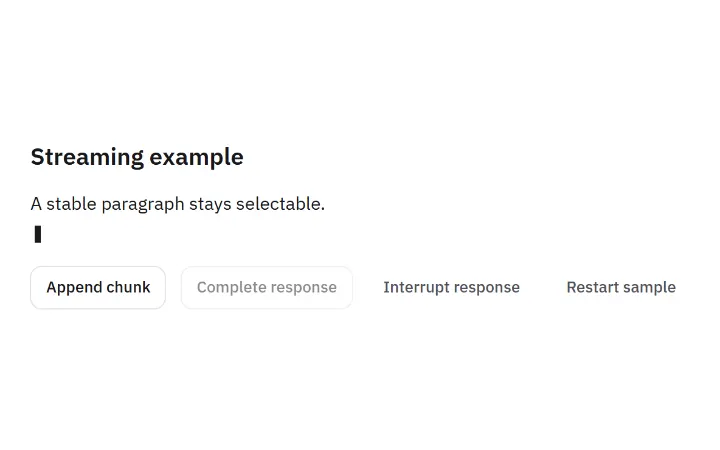
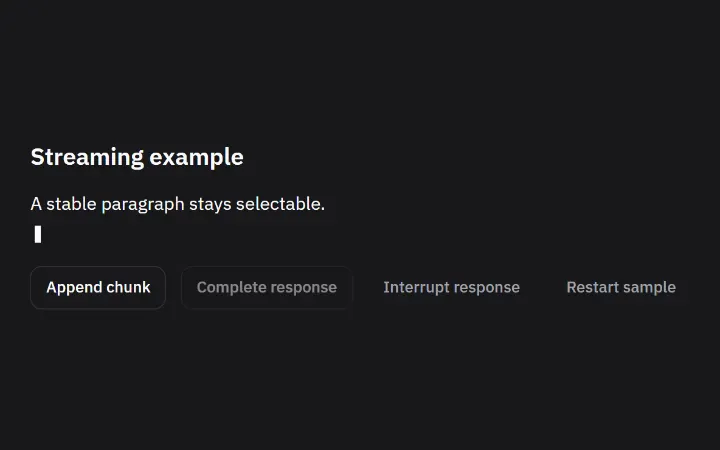
- StreamingResponseShows an answer as it streams in, and says clearly if it was cut off or failed.
- MessageActionsCopy, retry, edit and feedback buttons for a message, each showing whether it worked.
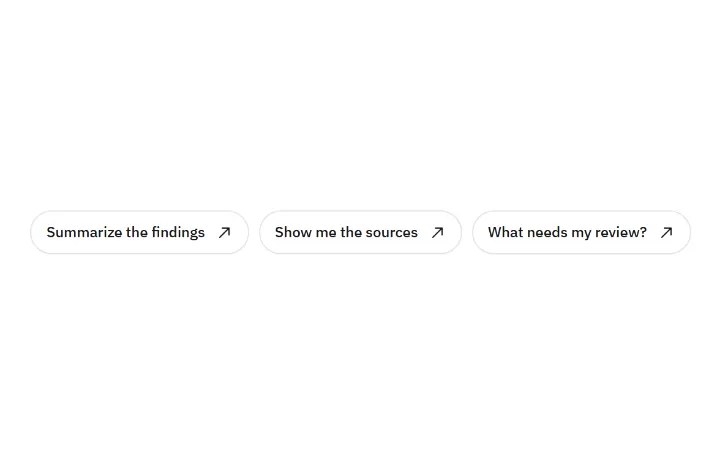
- SuggestionsFollow-up prompts the user can send with one click.
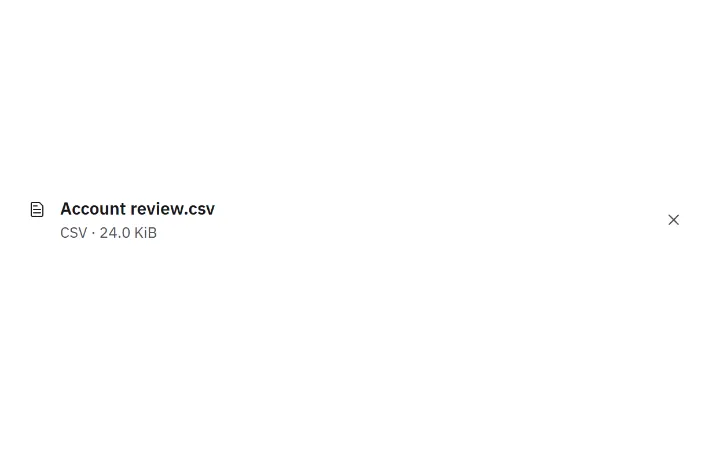
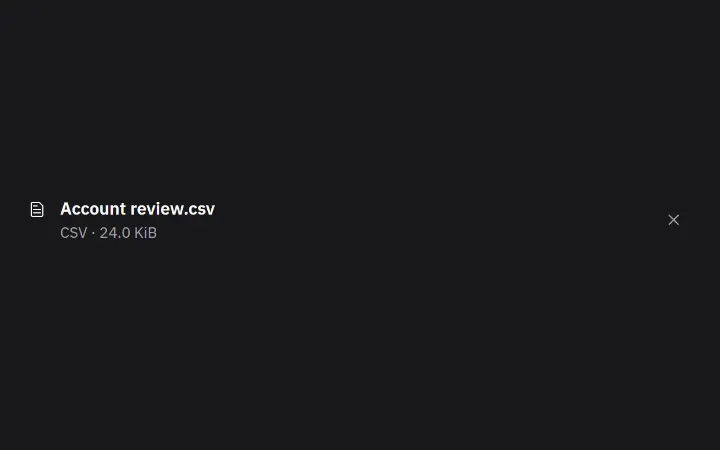
- AttachmentFiles attached to a message, with real upload progress and previews.
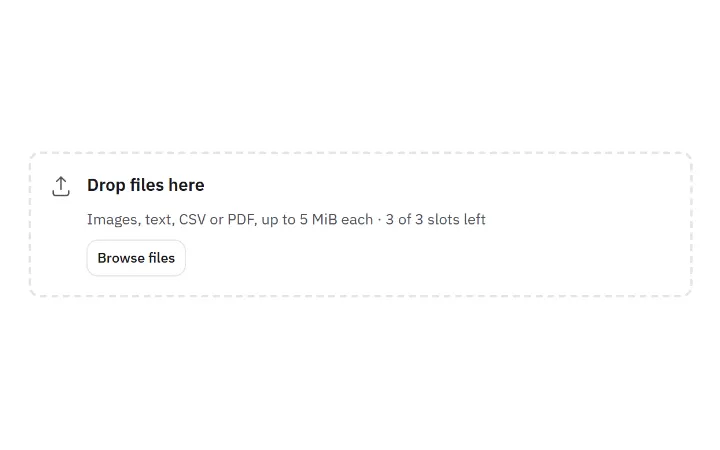
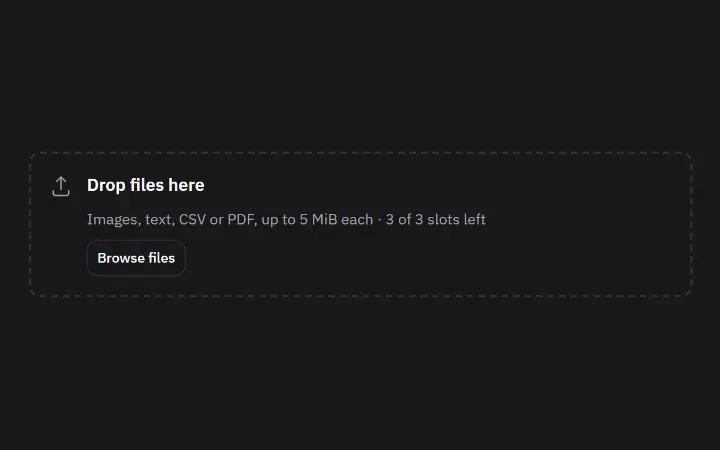
- FileDropzoneA drop target for local files with a browse button and type, size and slot checks.
- ModelSelectorA compact model picker: each model with its description, and a check on the current one.
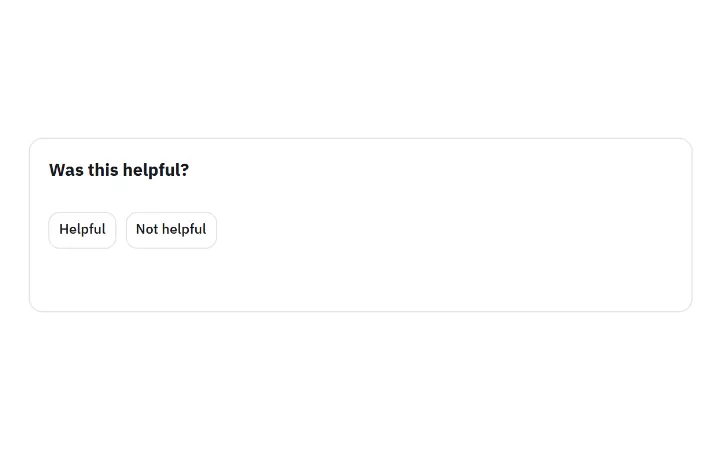
- FeedbackCaptureThumbs up or down, reasons and a correction for one specific reply, saved once your server confirms.



Imports
Install once with npm install @stackunseen/ui, then import what you use.
tsx
import { Chat } from '@stackunseen/ui/chat';
import { PromptInput, Message, StreamingResponse, MessageActions, Suggestions, Attachment, FileDropzone, FeedbackCapture } from '@stackunseen/ui';
import { ModelSelector } from '@stackunseen/ui/assistant';
import '@stackunseen/ui/styles.css';
import '@stackunseen/ui/chat.css';
See them working together in Chat on the Vercel AI SDK.